Free ATS Resume Checker: How to Check Your Resume's ATS Score (2026)
Check your resume's ATS score for free, with no sign-up. Learn how applicant tracking software really reads your resume, what a score means, and how to fix the most common problems.
InstaResume.Pro TeamMay 21, 20268 min read
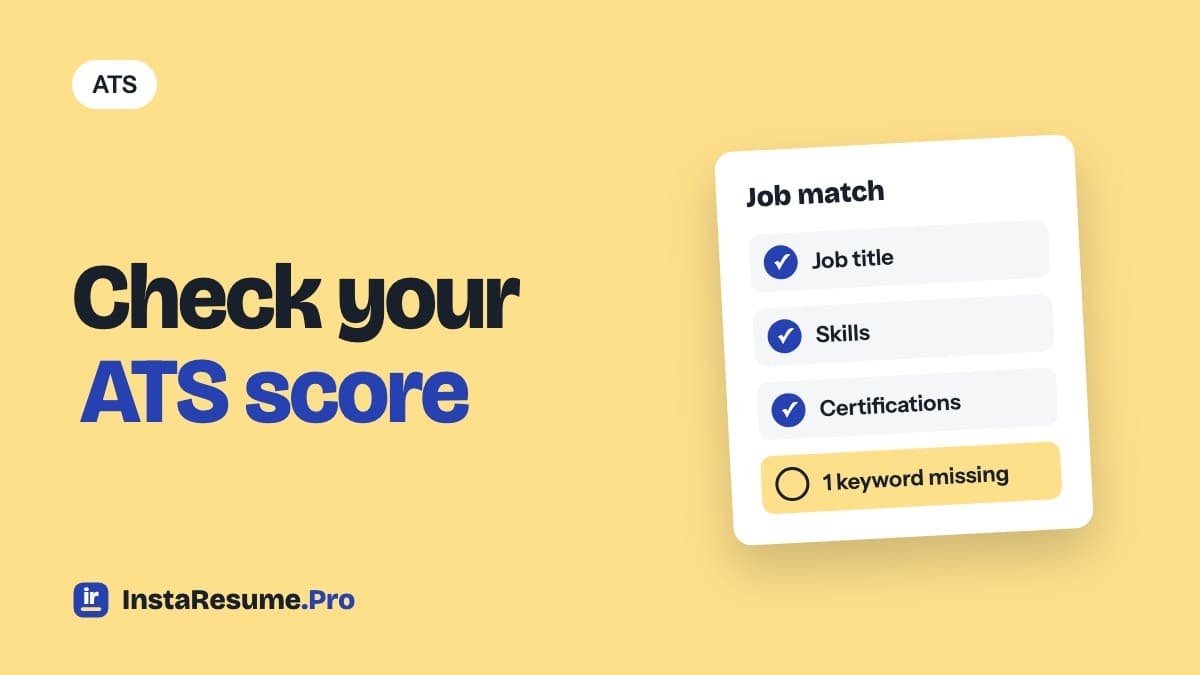
You've sent out applications and heard nothing back. There are plenty of possible reasons, but one you can check quickly and for free is whether applicant tracking software can read your resume, and how well it matches the job.
This guide covers how ATS software actually handles your resume, how to check yours for free, what a score does and doesn't mean, and how to fix the most common problems.
What ATS Software Actually Does With Your Resume
An applicant tracking system (ATS) is the software employers and staffing agencies use to collect and manage applications. Jobscan's research has found that nearly all Fortune 500 companies use one, and they're common at hospitals and large employers of every kind.
Here's what typically happens after you click Apply:
- Parsing. The system reads your file and pulls the text into fields: name, contact details, job titles, employers, dates, education, and skills. Columns, tables, text boxes, and text inside images can come out jumbled or go missing.
- Searching and matching. Recruiters search their applicants by keyword: job titles, skills, licenses, certifications, and systems. Many ATS also rank applicants by how closely they match the posting.
- Screening questions. Many applications include knockout questions, such as "Do you hold an active RN license in Texas?" These, more than any resume score, are usually what rejects people automatically.
- Human review. A recruiter or hiring manager reads the resumes that come up.
So in most systems, the bigger risk isn't an automatic rejection. It's that your resume doesn't come up when the recruiter searches, or ranks low against other applicants. That's what an ATS check helps you fix.
How to Check Your Resume for Free
Step 1: Copy the job posting. Find the role you're applying for and copy the full posting text.
Step 2: Run the free checker. Go to the free ATS resume checker. Upload your resume (PDF or Word) or paste the text. Then paste the job description. It's optional, but it turns on keyword matching, which is the most useful part. No account needed.
Step 3: Read the results. You'll get an overall score plus checks for formatting, keywords, ATS compatibility, and readability. With a job description, you'll also see which keywords from the posting your resume is missing.
Step 4: Fix, then check again. Make the changes and re-run the check on the new version.
The Copy-Paste Test (Free, With No Tools)
Open your resume, select everything, copy it, and paste it into a plain-text editor such as Notepad, or TextEdit in plain-text mode. That's roughly what a parser sees.
Then check:
- Is all of your text there?
- Is it in the right order, or are two columns mixed together?
- Do your name, phone, and email appear?
- Are the dates next to the right jobs?
If anything is missing or scrambled, an ATS may have the same trouble.
What Your ATS Score Means
Every checker scores differently, and there's no universal pass mark. In InstaResume.Pro's checker, scores are labeled like this:
| Score | Label | What to do next |
|---|---|---|
| 80–100 | Excellent | Strong match. Give it a final read as a human would. |
| 60–79 | Good | Worth improving. Start with the missing keywords. |
| 40–59 | Fair | Likely keyword gaps or formatting problems. |
| Below 40 | Needs work | Run the copy-paste test for formatting, then work on keywords. |
Use the score to compare versions of your resume for the same job, not as a guarantee. A resume can score well for one posting and poorly for another, because the keywords differ. And a high score doesn't guarantee an interview. It means the software can read your resume and that it matches the posting.
The Most Common Reasons Resumes Do Poorly in an ATS
Missing the posting's keywords
Say a posting asks for "telemetry," "Epic," and "BLS and ACLS required," and your resume says "cardiac monitoring," "electronic charting," and lists certifications without naming them. A recruiter searching for "telemetry" or "ACLS" may never see you. Use the posting's own terms wherever they're true for you.
Only the acronym, or only the full term
Recruiters may search either, so use both the first time: "Registered Nurse (RN)," "Basic Life Support (BLS)," "Electronic Health Record (EHR)," "OSHA 30-Hour Construction."
Creative section headings
ATS look for standard labels: Summary, Experience, Education, Skills, and Licenses & Certifications. Headings like "My Journey" or "What I Bring" can leave your experience in the wrong field.
Columns, tables, text boxes, and graphics
They look clean to a person, but parsers often read across columns or skip boxed text. Use one column for online applications.
Contact details in the header or footer
Some parsers skip a document's header and footer. Put your name and contact details in the body of the page.
Scanned or image-based files
A PDF exported from Word or Google Docs contains real text and works in most modern systems. A scanned or photographed resume is just an image and can't be read. If the posting asks for a specific format, use it.
Keyword stuffing
Repeating keywords unnaturally, or hiding them in white text, doesn't help. Recruiters see the parsed text, and hidden keywords show up there.
How to Fix a Low ATS Score
- Missing keywords: add them to your skills section and work them into your experience bullets, using the posting's exact wording, but only where they're true for you.
- Formatting problems: switch to one column, use standard headings, remove tables and text boxes, and move contact details out of the header.
- Licenses and certifications: give them their own section, with full names, the state, and expiration dates.
- A big gap: build a tailored version. In InstaResume.Pro, start a new resume, upload your current resume or LinkedIn PDF, and paste the job description. The AI writes a version aimed at that job using only your experience. Then check it again.
For role-specific terms, browse resume keywords by role, such as med-surg nurse, ICU nurse, and electrician. For the full process, see how to tailor your resume to a job description.
ATS Myths
- "ATS can't read PDFs." Most modern systems read text-based PDFs fine. Image-only PDFs are the problem.
- "You need to match every keyword." You don't. Prioritize the required qualifications: licenses, certifications, core skills, and the job title.
- "White-text keywords help." They don't, and they look like an attempt to game the system.
- "A creative design helps you stand out." To a parser, it often just scrambles your content. Save the design for a printed copy.
- "One resume for every job is fine." Each posting uses different words. Tailor each one.
Your resume gets handled by software before it reaches a person. Checking it costs nothing, so there's no reason to apply blind.
Frequently Asked Questions
Q: What is a free ATS resume checker?
A: A tool that estimates how applicant tracking software will read your resume and how well it matches a job posting, checking keywords, formatting, and section structure, without charging you. InstaResume.Pro's checker also works without an account.
Q: How do I check my ATS score for free?
A: Upload or paste your resume into an ATS checker along with the job description you're targeting. The InstaResume.Pro ATS checker is free, needs no sign-up, and lists the posting's keywords your resume is missing.
Q: What is a good ATS score?
A: There's no universal standard, because each checker scores differently. In InstaResume.Pro's checker, 80 or above is labeled Excellent and 60–79 Good. Compare scores for versions of your resume against the same job, and fix the missing keywords first.
Q: Why does my resume keep getting rejected?
A: Common causes include screening questions you don't meet, missing keywords from the posting, layouts the parser can't read, and plain competition from other applicants. An ATS check rules out the formatting and keyword problems.
Q: What percentage of resumes are rejected by ATS?
A: There's no reliable figure. The widely repeated "75% of resumes are rejected by ATS" traces back to a vendor's claim with no published data behind it. What's clear is that resumes the software can't read, or that don't match the posting, are much harder for recruiters to find.
Q: How often should I check my ATS score?
A: Every time you apply to a new role. Scores are specific to each job, because they measure your match with that posting.
Q: Can I fix my ATS score without rewriting my whole resume?
A: Often, yes. Many low scores come down to a few missing keywords or one formatting problem. If the gap is large, a tailored version built from the job description is usually faster than editing line by line.
InstaResume.Pro Team
Contributing writer at InstaResume.Pro, helping job seekers create compelling resumes and advance their careers.